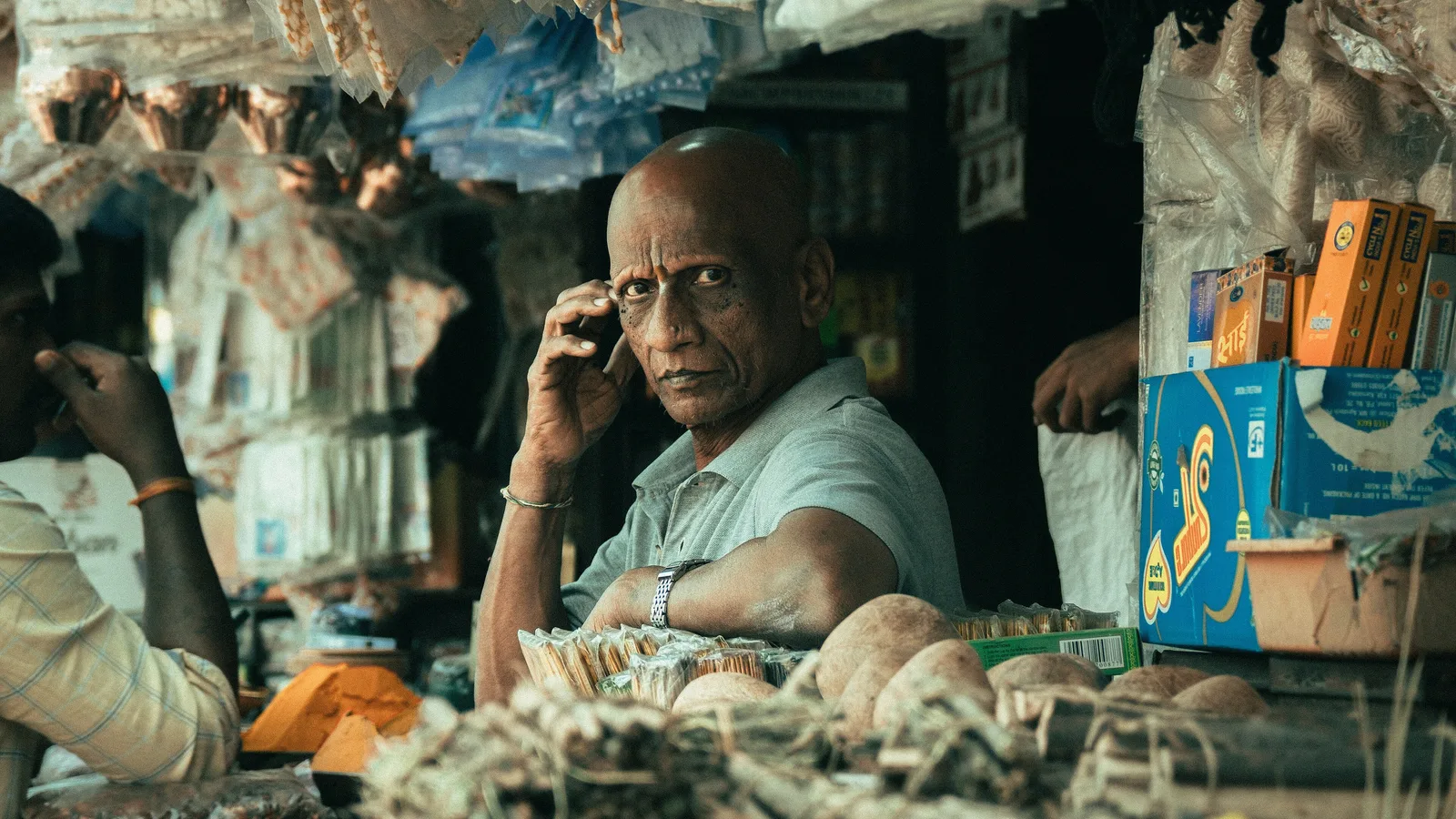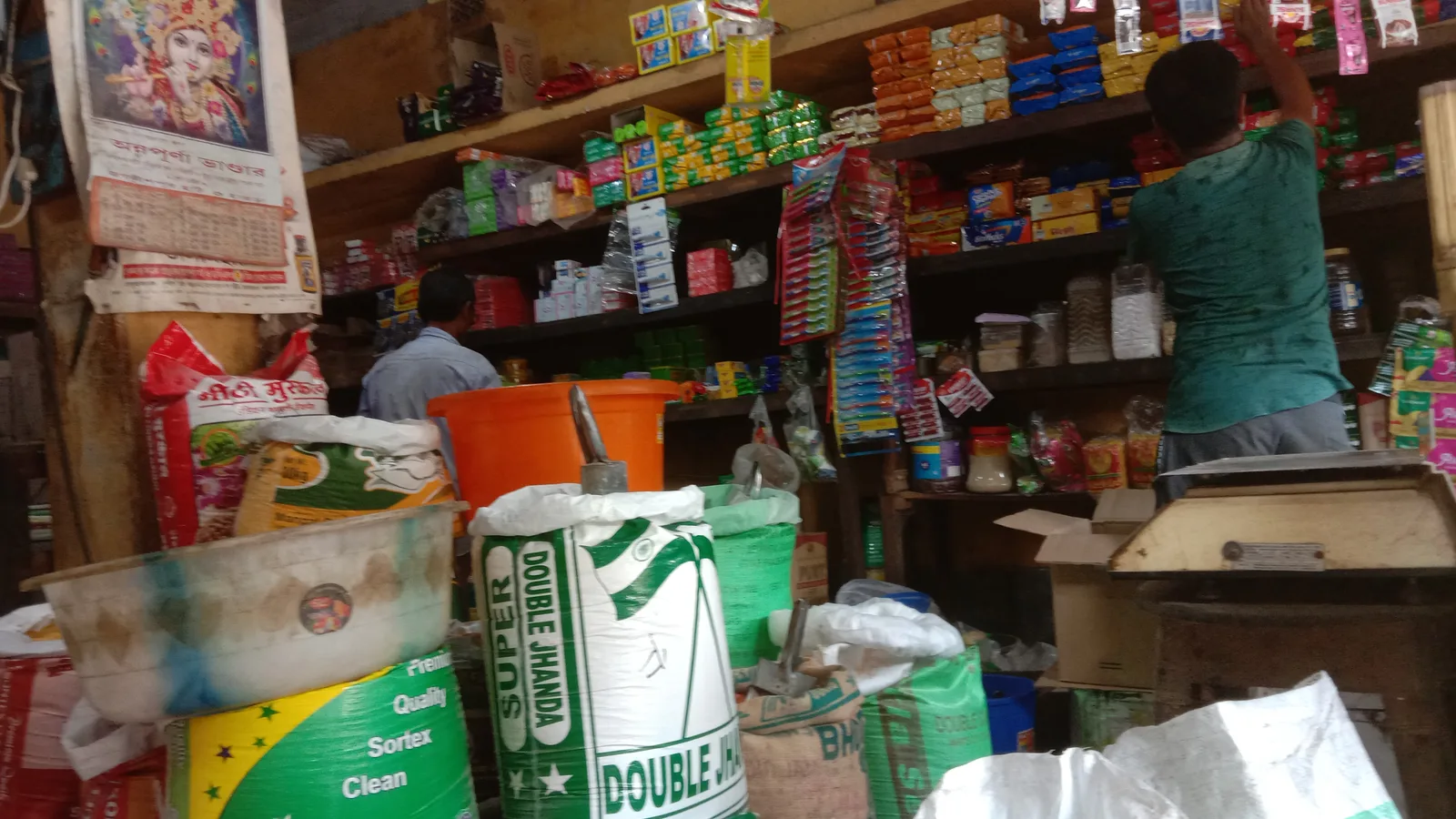








A single-counter kirana, stationery or general store that mainly needs fast GST bills, basic stock and UPI collection should start with a mobile or desktop billing app such as Vyapar or myBillBook. A multi-counter supermarket, pharmacy or chain that needs barcode billing, batch and expiry tracking, loyalty and central control should shortlist retail-specialist systems such as GoFrugal or Marg ERP. BUSY or TallyPrime make sense when accounting depth matters as much as counter speed. GoFrugal's pricing page was under maintenance when we checked, and Vyapar's and myBillBook's pricing pages did not render prices for us, so ask for written quotes before comparing. Marg ERP and BUSY publish their prices.
Executive summary
- UPI is now the counter's main payment rail for small tickets. The Government reports that person-to-merchant payments were 63% of UPI volume in FY 2025-26, and 86% of them were below ₹500 (PIB). A POS that cannot match UPI payments to bills creates daily reconciliation work.
- Marg ERP publishes clear edition prices: Nano ₹5,550, Basic ₹10,300, Silver ₹13,900 and Gold ₹26,000 (unlimited users), all with 18% GST extra (Marg).
- BUSY offers both routes: MAGIC subscriptions from free to ₹50,000 per 360 days, and BUSY 21 perpetual licences at ₹11,000, ₹16,500 and ₹22,000, GST extra (BUSY).
- GoFrugal lists on-premise plans (Cash Register, Starter, Standard, Professional) and cloud plans (Basic, Elite, Enterprise), with a 30-day free trial, but its pricing page was under maintenance when we accessed it (GoFrugal).
- Over three years, the gap between entry options is modest. Hardware, staff training and the cost of billing errors usually matter more than software price.
Market context
Indian retail billing has changed in three ways that affect software choice.
1. Payments moved to UPI. According to the Press Information Bureau's release on ten years of UPI, UPI processed 24,161.69 crore transactions in FY 2025-26. Person-to-merchant payments accounted for 63% of volume, and 86% of those were below ₹500 (PIB). For a retailer, UPI is the default way to pay for a ₹150 or ₹450 basket. The consequences for POS software are practical:
- the billing screen should show a dynamic QR or send a payment request for the exact bill amount
- the payment should be marked against the bill automatically, not ticked manually
- end-of-day reports should split cash, UPI and card so the cash drawer reconciles
2. GST made every bill a compliance document. Retail POS software must produce GST-compliant tax invoices and bills of supply, maintain HSN codes and tax rates, and feed GST returns. Retailers who also supply businesses may cross into e-invoicing: CBIC's Notification 10/2023–Central Tax applies e-invoicing to taxpayers with aggregate turnover exceeding ₹5 crore from 1 August 2023 (GST Council). Check with your CA how this applies to your B2B sales.
3. Retailers expect accounting and inventory in one place. Small retailers increasingly want stock, purchases, supplier payables and profit reports without a separate accounting package. GoFrugal, for example, advertises "Free integrated accounting" on its pricing page (GoFrugal).
We did not find an official statistic on the number of retailers using billing software, so we do not quote one. For a broader list of billing apps across industries, see our best billing software for small business guide. This article focuses specifically on retail counters.
Evaluation framework
The weights below are App Advisor's methodology for Indian retail stores with 1 to 10 counters. They are editorial.
| Criterion | Weight | What to check |
|---|---|---|
| Billing speed at the counter | 20% | Barcode scanning, keyboard shortcuts, item search, offline mode |
| Inventory depth | 15% | Batches, expiry, sizes and variants, reorder levels, stock transfers |
| Payment integration | 15% | Dynamic UPI QR, card terminal integration, automatic payment-to-bill matching |
| GST and accounting | 15% | Tax invoices, HSN, GST reports, integrated ledger or Tally/Zoho export |
| Multi-store control | 10% | Central price lists, stock visibility, consolidated reports |
| Customer features | 5% | Loyalty, credit (udhaar) tracking, WhatsApp bills |
| Hardware compatibility | 5% | Thermal printers, scanners, weighing scales, cash drawers |
| Price transparency and TCO | 10% | Published prices, per-user or per-counter costs, renewals |
| Support | 5% | Local partners, response times during business hours |
Vendor comparison
Prices are from official vendor pages accessed in September 2026, with GST extra where stated. "Not published on the page we could access" means no price was visible when we checked.
| Product | Best fit | Published pricing | Notes from the vendor page | Source |
|---|---|---|---|---|
| Marg ERP / Marg POS | Retail, pharma and distribution with inventory depth | Nano ₹5,550 (up to 2 users); Basic ₹10,300 (limited edition, 1 user full rights); Silver ₹13,900 (1 user full rights + 1 view-only); Gold ₹26,000 (unlimited users); 18% GST extra; ₹3,000 per extra user where applicable | Licence term is not stated in the text we captured; confirm whether prices are annual or perpetual | Marg pricing |
| GoFrugal POS | Supermarkets, chains, specialty retail | Not published on the page we could access (page under maintenance) | On-premise: Cash Register, Starter, Standard, Professional. Cloud: Basic, Elite, Enterprise (custom). 30-day free trial; "Free integrated accounting"; annual billing offer "Pay for 10 months and use for a year" | GoFrugal pricing |
| BUSY / Busy POS | Traders and retailers wanting accounting depth | MAGIC: Express free, START ₹5,000, SMART ₹8,000, POWER ₹12,000, POWER+ ₹50,000 per 360 days. BUSY 21 perpetual: Basic ₹11,000, Standard ₹16,500, Enterprise ₹22,000. GST extra | MAGIC plans include Mobile App Lite free for the first 360 days | BUSY pricing |
| Vyapar | Small single-store retailers, mobile-first | Not published on the page we could access | Pricing page loads prices dynamically; request current plans from Vyapar | Vyapar pricing |
| myBillBook | Small retailers wanting mobile and desktop billing | Not published on the page we could access | Pricing page loads prices dynamically | myBillBook pricing |
| TallyPrime | Retailers whose accountant uses Tally | Silver ₹22,500 perpetual or ₹750/month; Gold ₹67,500 perpetual or ₹2,250/month; + 18% GST | Accounting-first, with inventory | Tally |
How the options differ
- Vyapar and myBillBook are designed for owners who bill from a phone or a single PC and want simple stock and payment reminders. They are quick to start with but lighter on multi-counter controls.
- Marg has deep inventory features, including batch and expiry, which is why it is common in pharmacy and FMCG distribution. Its Gold edition's unlimited users suit multi-counter stores.
- GoFrugal is built for retail chains and specialty formats, with both on-premise and cloud editions. Request a quote for the plan and number of counters you need.
- BUSY and TallyPrime are accounting-first. They suit retailers whose back office is as important as the counter.
Also in our catalogue: SlickPOS and Ezo Billing. Browse the POS software category and billing software category.
Total cost of ownership
Illustrative model — assumptions stated. Hypothetical store, published software prices only. Hardware is not priced because we did not verify hardware prices. Obtain local quotes.
Assumptions
- A two-counter general store with one back-office user: 3 users in total
- Three-year horizon; GST excluded
- For Marg, we assume the listed prices are one-time. If they are annual, multiply by three. Confirm with Marg
- For BUSY MAGIC, we assume the plan chosen covers 3 users. Confirm
- Hardware (PCs, thermal printers, scanners), internet and training excluded
| Option | Year 1 | Year 2 | Year 3 | 3-year software total (ex-GST) |
|---|---|---|---|---|
| Marg Gold (unlimited users), if one-time | ₹26,000 | Confirm renewal | Confirm renewal | ₹26,000 + any renewals |
| Marg Silver + 1 extra full user, if one-time | ₹13,900 + ₹3,000 = ₹16,900 | Confirm renewal | Confirm renewal | ₹16,900 + any renewals (Silver includes 1 full user + 1 view-only; confirm a third user is allowed) |
| BUSY MAGIC SMART | ₹8,000 | ₹8,000 | ₹8,000 | ₹24,000 |
| BUSY 21 Standard (perpetual) | ₹16,500 | Not captured | Not captured | ₹16,500 + any updates |
| TallyPrime Gold (perpetual, multi-user) | ₹67,500 | TSS renewal (not captured) | TSS renewal (not captured) | ₹67,500 + TSS renewals |
| GoFrugal, Vyapar, myBillBook | Quote | Quote | Quote | Quote |
What the model shows
- For a small multi-counter store, the published entry options sit between about ₹16,500 and ₹26,000 over three years before renewals, apart from TallyPrime Gold, which is priced for heavier accounting use.
- User and counter limits change the answer quickly. Check how each vendor counts a "user": per login, per machine, or per simultaneous session.
- A billing error that undercharges a ₹450 basket 20 times a day costs more in a month than the price difference between most of these products.
Matching software to your store format
Retail is not one market. The right billing system for a mobile accessories shop is wrong for a supermarket. Use the profiles below to narrow the shortlist before any demo.
Kirana and general store (1 counter)
- Needs: quick item search without barcodes for loose items, credit (udhaar) tracking, WhatsApp bills, UPI QR on the bill.
- Watch for: weighing scale integration if you sell loose goods by weight.
- Shortlist: mobile or desktop billing apps such as Vyapar or myBillBook, or Marg Nano for a desktop option with published pricing.
Supermarket or mini-mart (2–8 counters)
- Needs: barcode billing at speed, central price changes, promotions, daily stock replenishment, cashier-wise cash reconciliation.
- Watch for: counter licensing and whether offline billing continues when the server or internet fails.
- Shortlist: GoFrugal and Marg editions with multi-user support, such as Marg Gold with unlimited users.
Apparel and footwear
- Needs: size and colour variants, barcode labels per variant, exchanges and returns, season-end discounting.
- Watch for: variant handling in stock reports. A single style with ten sizes should not appear as ten unrelated items.
- Shortlist: retail specialists with variant support; test with your actual size sets.
Electronics and mobile accessories
- Needs: serial or IMEI tracking, warranty records, EMI and card payments, service jobs.
- Watch for: serial number capture at purchase and sale.
- Shortlist: systems with serial tracking and payment terminal integration.
Pharmacy
- Needs: batch and expiry, Schedule H1 register, substitution by composition, distributor ordering.
- Shortlist: see our dedicated pharmacy section and the pharma distribution guide.
Multi-store chain
- Needs: central purchasing, stock transfers, store-wise profit and loss, head-office dashboards.
- Watch for: data sync between stores and head office, and how conflicts are resolved.
- Shortlist: GoFrugal's cloud Enterprise plan (quote) or equivalent chain editions.
For each profile, bring 20 of your real items, including tricky ones such as loose goods, variants and serialised products, to every demo.
Implementation roadmap
Week 1: Prepare the item master
- Export or list every SKU with barcode, HSN code, GST rate, MRP, selling price and unit.
- Clean duplicates and standardise names. This is the step most stores underestimate.
Weeks 2–3: Install and configure
- Install software on counters and the back office. Connect thermal printers, scanners and cash drawers.
- Set up tax rates, bill formats, user roles and discount permissions.
- Configure UPI QR and card terminal integration where supported.
Week 3: Opening stock
- Do a physical count, category by category, and enter opening stock.
- Enter supplier balances and customer credit balances.
Week 4: Parallel run
- Bill on the new system during quieter hours while keeping the old method as backup.
- Reconcile cash, UPI and card totals every evening.
Weeks 5–6: Full go-live
- Switch all billing to the new system.
- Start weekly reports: fast and slow movers, stock below reorder level, margin by category.
Week 8: Review
- Review GST reports with your CA before the next filing.
- Tune reorder levels and price lists.
Questions to ask before you pay
Retail billing software is often bought in a single visit from a local partner. Ask these questions before paying, and get the answers in writing:
- Is the price one-time or annual? Marg's page lists edition prices without stating the term in the text we captured, and BUSY's MAGIC plans run for 360 days. Know which you are buying.
- How are users counted? Per login, per computer, or per simultaneous session? A two-counter store with an owner login may need three.
- What happens offline? Can counters keep billing when the internet or the main computer fails, and how do bills sync afterwards?
- Which hardware is supported? Name your printer, scanner and weighing scale models and ask for confirmation.
- Who migrates the item master? Is importing your existing items and opening stock included, or charged separately?
- What does support cost after year 1? Updates for GST changes and new features may require a renewal.
- Can I export everything? Items, customers, sales and stock history, in a format another system can import.
A partner who answers these clearly is more valuable than a small discount.
Risks and compliance checklist
- GST-compliant bills. Tax invoice or bill of supply formats, correct HSN codes and rates checked by your CA.
- E-invoicing check for B2B sales if aggregate turnover exceeds ₹5 crore (GST Council).
- User permissions. Cashiers cannot delete bills, change prices or give unapproved discounts.
- Bill deletion log. Every edit or cancellation is recorded with user and time.
- Daily payment reconciliation. Cash, UPI and card totals match bank and drawer.
- Backups. Automatic off-site backup for desktop installations.
- Offline mode tested for internet outages if using cloud software.
- Licence terms understood. Annual versus perpetual, users versus counters, renewal pricing.
- Data export of items, customers and sales history confirmed before you commit.
KPIs to track
| KPI | Target direction | Why it matters |
|---|---|---|
| Average billing time per customer | Down | Queue length and footfall conversion |
| Cash drawer variance per day | Near zero | Leakage and errors |
| Unmatched UPI payments per day | Zero | Reconciliation effort |
| Stock-outs on top 50 SKUs | Down | Lost sales |
| Inventory days on hand | Down | Working capital |
| Bill cancellations and edits per day | Low and explained | Fraud and training signal |
| Gross margin by category | Stable or up | Pricing discipline |
How to choose
- Single counter, owner bills from a phone or one PC? Try Vyapar or myBillBook and get current plan prices from the vendor.
- Two to ten counters with barcodes and stock depth? Compare Marg ERP editions with a GoFrugal POS quote.
- Pharmacy or FMCG with batches and expiry? Prioritise Marg or GoFrugal's pharmacy editions, and read our pharma distribution software guide.
- Accountant insists on Tally or BUSY? Use BUSY or TallyPrime, and test counter speed during a demo.
- Chain with central buying? Look for multi-store editions with central price lists and stock transfers. GoFrugal's Enterprise cloud plan is quoted on request.
FAQs
What is GoFrugal's pricing?
GoFrugal's pricing page lists on-premise plans (Cash Register, Starter, Standard, Professional) and cloud plans (Basic, Elite, Enterprise), with a 30-day free trial, but it was under maintenance when we accessed it and showed no prices. Contact GoFrugal for a quote (GoFrugal).
How much does Vyapar software cost?
Vyapar's official pricing page loads prices dynamically, and we could not read them in the version we accessed. Check the page directly or request a quote from Vyapar (Vyapar).
What is the price of Marg ERP?
Marg's pricing page lists Marg ERP Nano at ₹5,550, Basic at ₹10,300, Silver at ₹13,900 and Gold at ₹26,000 with unlimited users, plus 18% GST (Marg).
Which is the best billing app for a small shop in India?
For a single counter, a mobile-first billing app such as Vyapar or myBillBook is usually enough. For several counters with barcode billing and stock control, retail systems such as Marg ERP or GoFrugal are better suited.
Can POS software accept UPI payments directly?
Many retail billing systems can display a UPI QR for the bill amount or integrate with payment terminals, then mark the bill as paid. Confirm the specific integration and any payment provider fees before buying.
Is BUSY good for retail billing?
BUSY is accounting-first software with inventory features, sold as MAGIC subscriptions or BUSY 21 perpetual licences (BUSY). It suits retailers who want strong accounts alongside billing. Test counter speed in a demo if you have high footfall.
Do retail shops need e-invoicing?
E-invoicing applies to taxpayers with aggregate turnover exceeding ₹5 crore, following Notification 10/2023–Central Tax. Ask your CA how it applies to your B2B and B2C sales mix.